Fast multi-page capture
Point your phone at each sheet and keep turning pages. On-device page detection supports continuous capture so you can scan a packet in one session.

Mobile document scanning
From paper to organized records.
Use your phone to capture invoices, receipts, permits, and governing documents. Scan a whole packet, find duplicates, and file the finished record where your HOA can find it later.
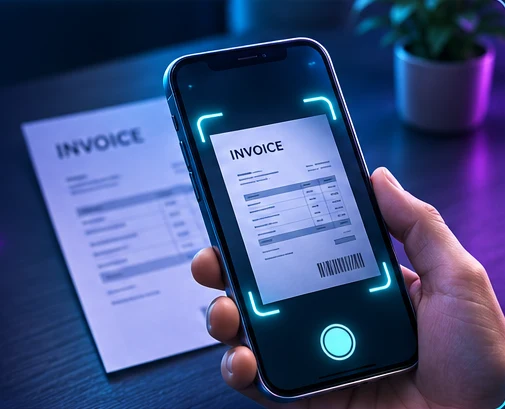
Point your phone at each sheet and keep turning pages. On-device page detection supports continuous capture so you can scan a packet in one session.
OCR reads printed text from a scan. Use recognized words to identify what you captured and help sort documents into the right category.
Find repeated captures before filing. Review a suspected duplicate and remove the extra copy so the finished packet contains the pages you intended.
Use the phone’s basic recognition offline and upload later when a connection is available.
Organize monthly financials, budgets, receipts by vendor, governing documents, HOA rules, welcome materials, seller disclosures, and active work or parking permits.
Administrators can add or edit categories. Ask about linking the scanner to your hosted HOA control panel and HOA XP through the EZ U Scan API.
Example workflow
Scan the invoice and receipts in one pass. Review the extracted text, remove a repeated page, and file the packet under Receipts / Vendors so the treasurer can pull it up at the next meeting.
